Welcome to 
Congratulations on starting your journey to better oral health!
Download the app to get started or scroll down to learn more.
Check out these tips before powering on for perfect clean.
Check out these tips before powering on for perfect clean.
suspenseVariable
3 Steps for
Oral Health Protection
Your brush is charged and ready to go!
All you have to do is:
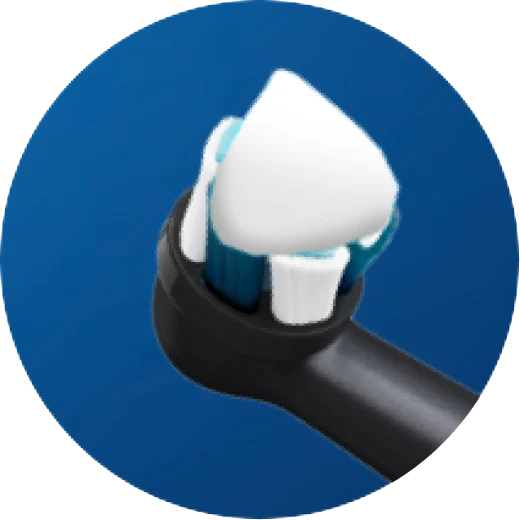
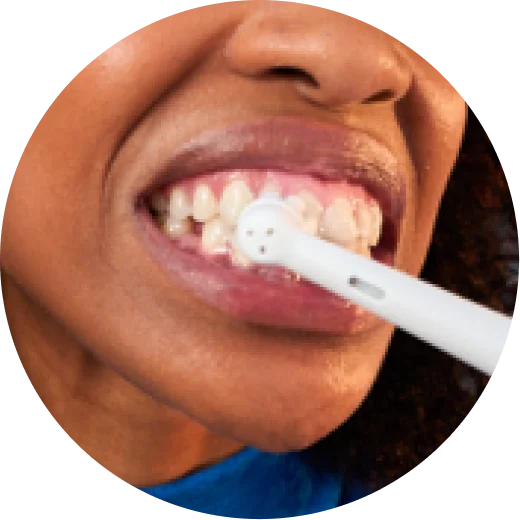
Cover the Brush with Toothpaste

More Protection with
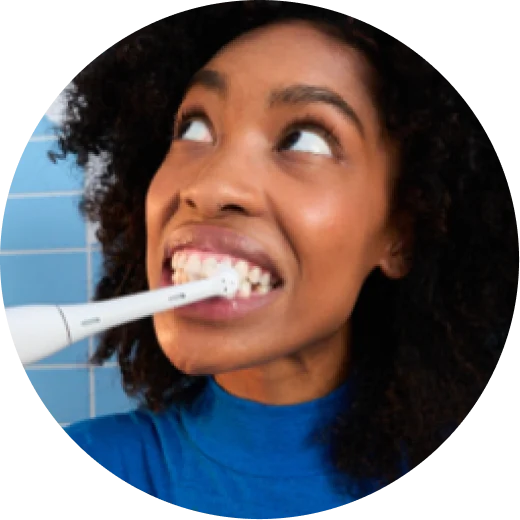
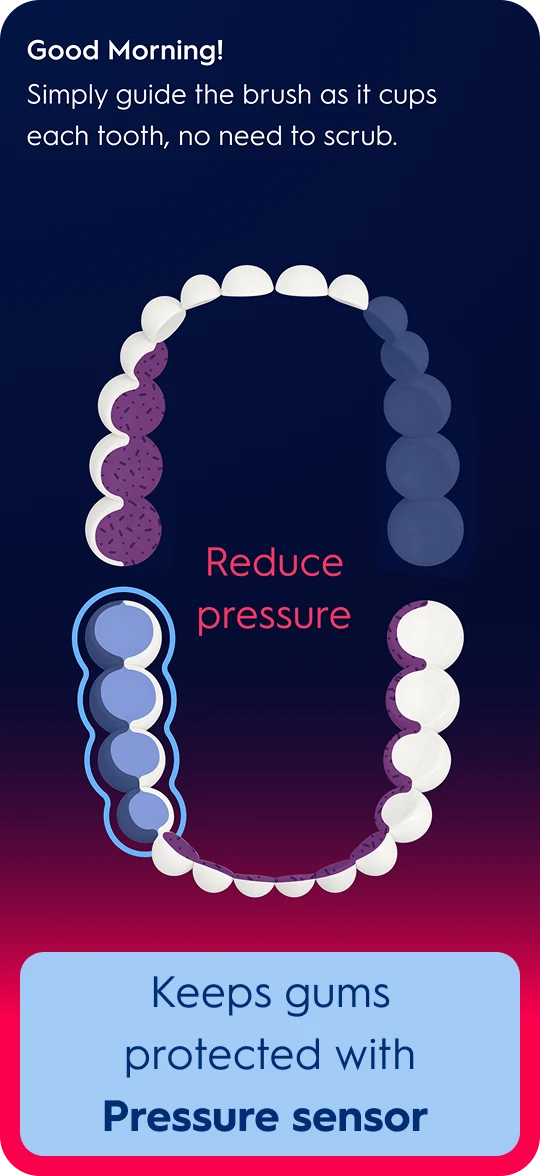
the Right Pressure
Pressure sensor lights up red and brush automatically slows down when pressure is too strong.
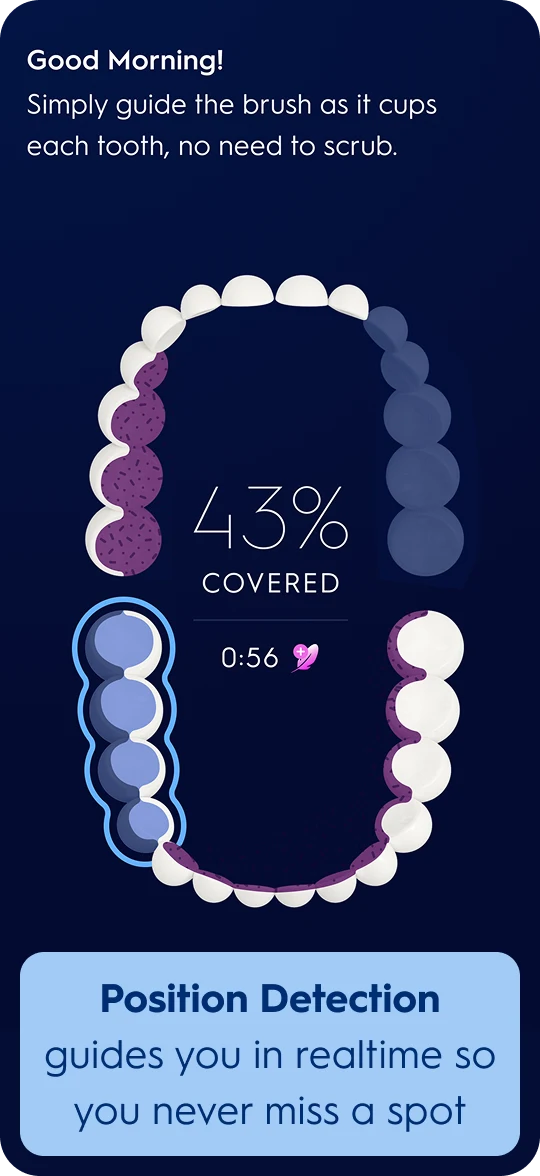
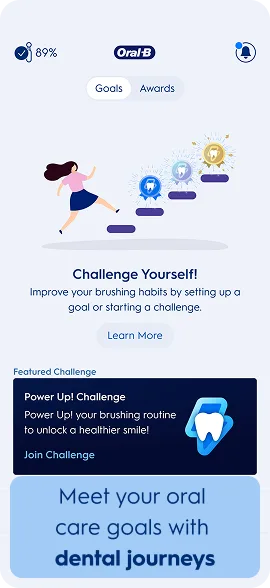
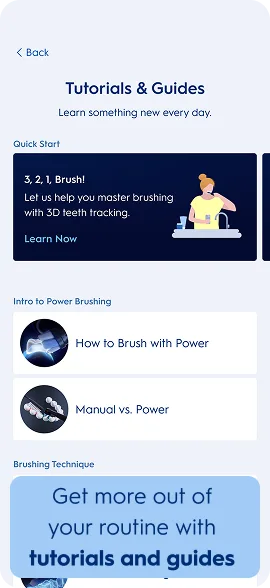
Now Let’s Ensure You Never Miss a Spot with the App
It’s clinically proven to improve oral health*
*Over 82% of people who brushed with Oral-B SmartSeries experienced a noticeable improvement in their oral health
And Get A Better Clean with the Features on our Interactive Display
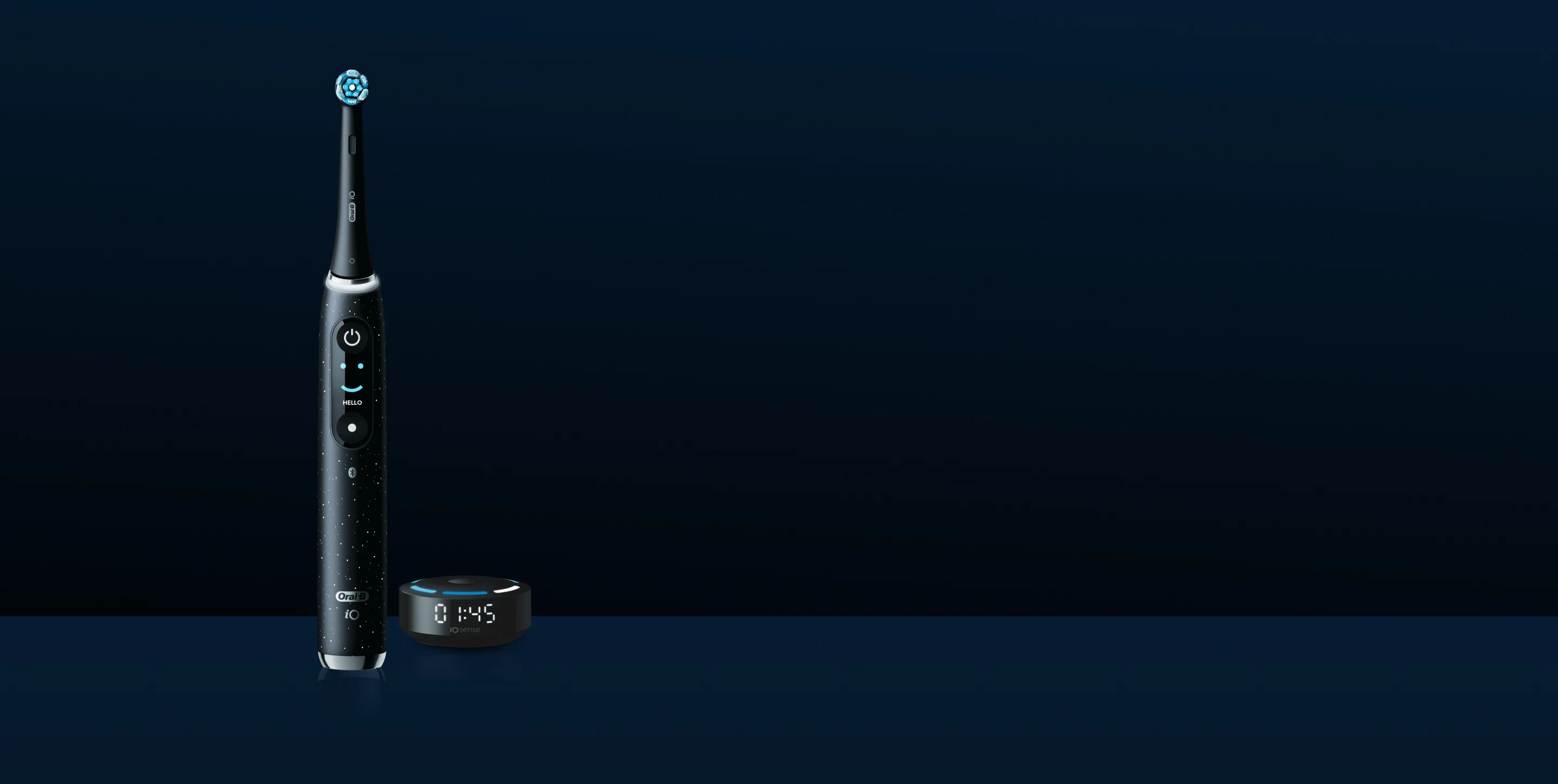
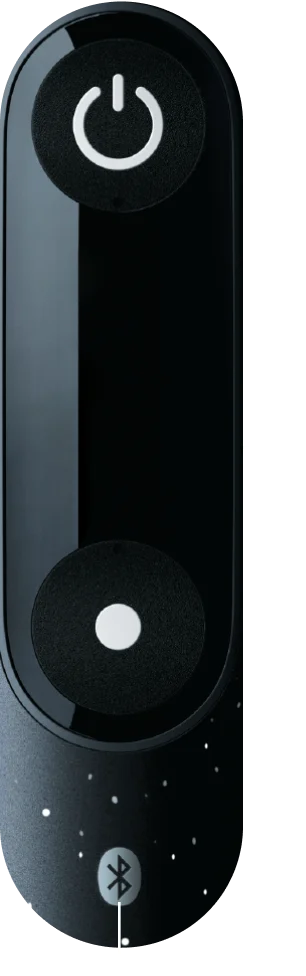
Cycle through modes, track with the 2-minute timer, always know when it’s time for a fresh brush head.
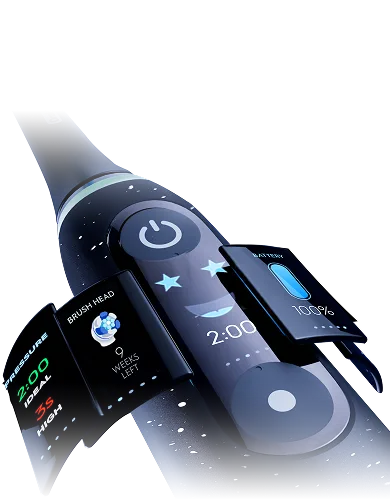






The Oral-B App makes it easy to cycle through all the settings!
The Oral-B App makes it easy to cycle through all the settings!
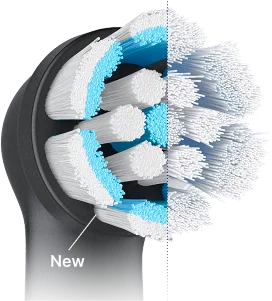
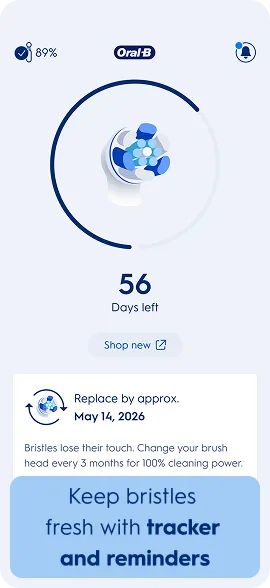
Remember to Replace Brush Head Every 3 Months for a Perfect Clean
As bristles wear down, they lose their ability to adapt to your teeth, reducing their cleaning power.
When color fades to white, it’s time to change. Regain 100% plaque removal power with a new brush head.

Personalize Further with the Right Brush Head
Select brush head to see more
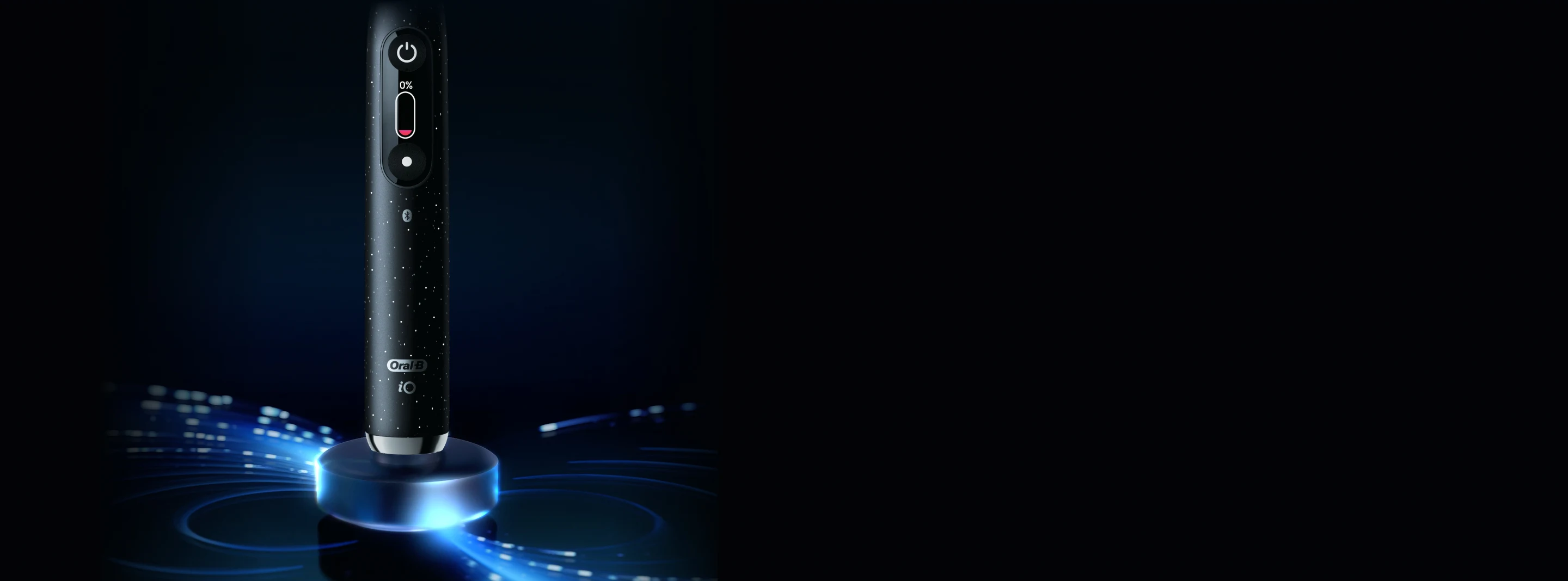
And Your Brush Signals When To Re-Charge
- Place your brush upright on the charging base
- It only takes ~3 hours* to get it back to full power with our magnetic charger*
- Once fully charged the indicator light will stay on for 10 seconds then turn off
*iO6 requires a charge time of 12 hours for full power
*magnetic charger available on iO9 and iO10

Lastly, Caring for Your Brush is Easy
Your brush is waterproof—brush your teeth without worrying about water damage.
3 Steps to Keep Your Brush Clean
- 1 Remove your brush head
- 2 Rinse brush head and handle
- 3 Let handle and brush dry separately
And don't worry, your charger is water-resistant. You can get it wet wipe it clean—just don't completely submerge it in water!
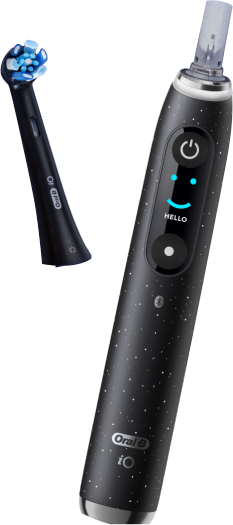
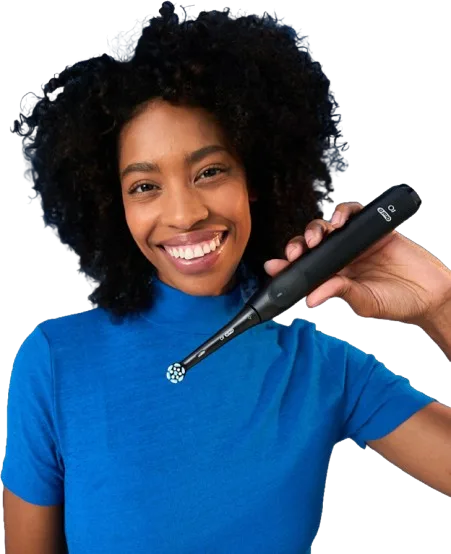
You’re All Set.
 A few things to check off if you haven’t yet: