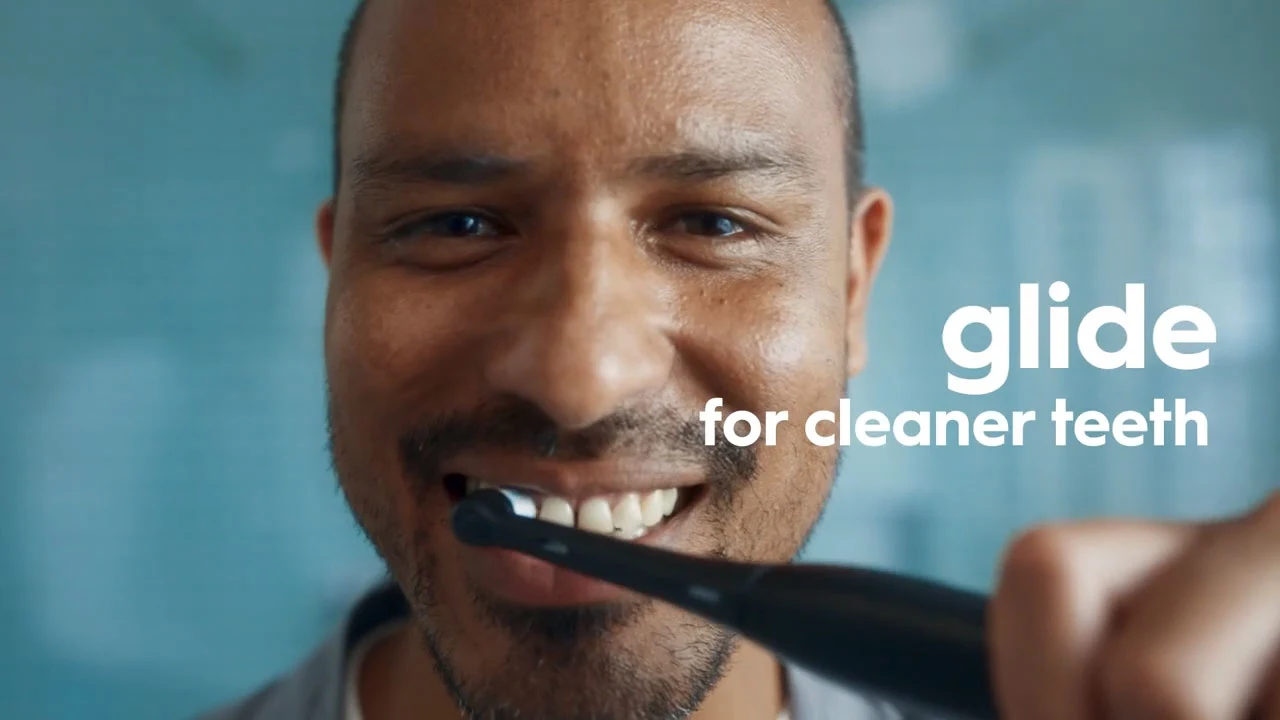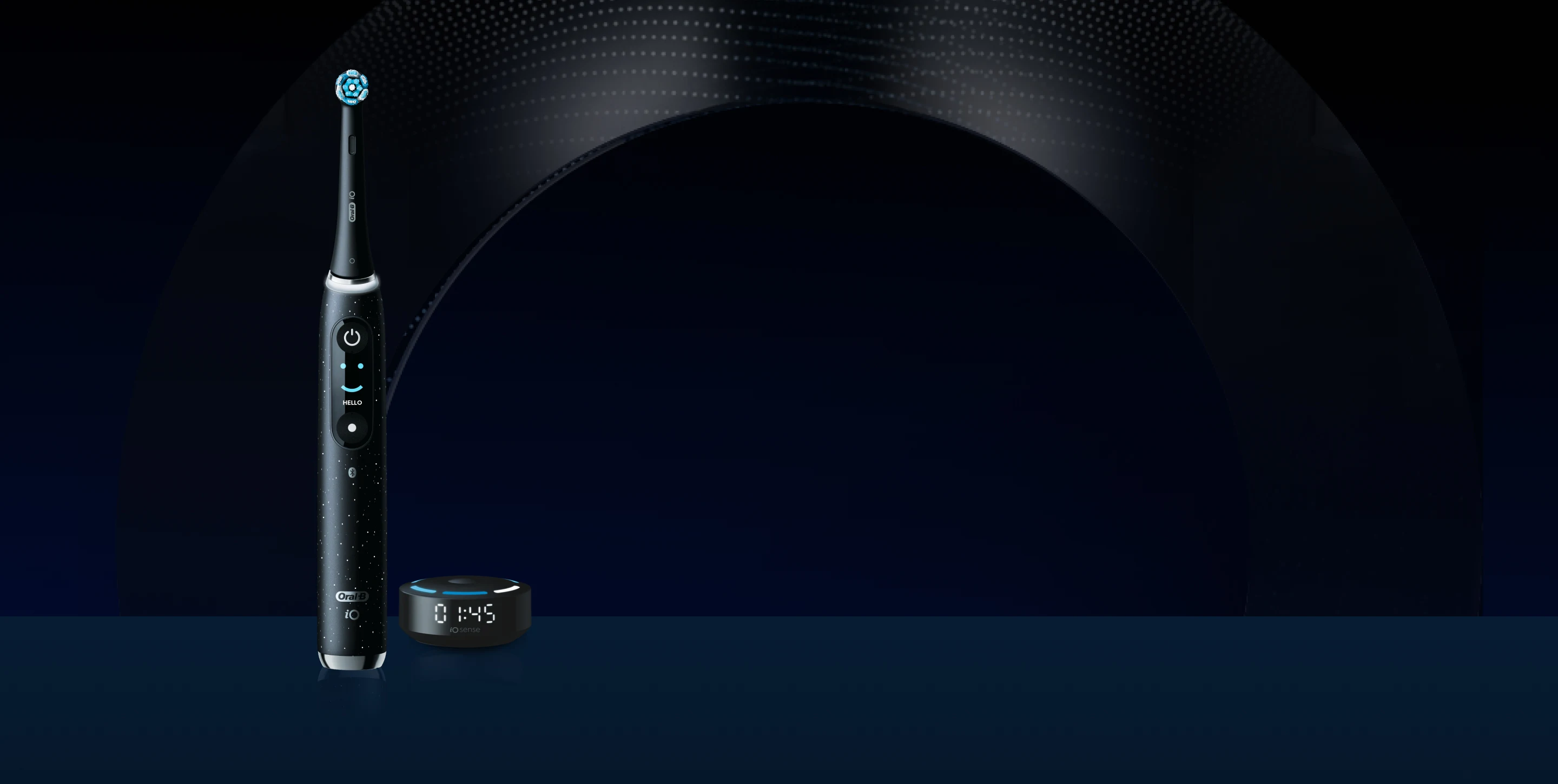
Welcome to 
You're on your way to cleaner teeth and healthier gums for life!
Download the app to get started or scroll down
Check out these tips before powering on for perfect clean.
Check out these tips before powering on for perfect clean.
suspenseVariable

3 Steps for
an All-In-One Clean
Your brush is charged and ready to go!
All you have to do is:
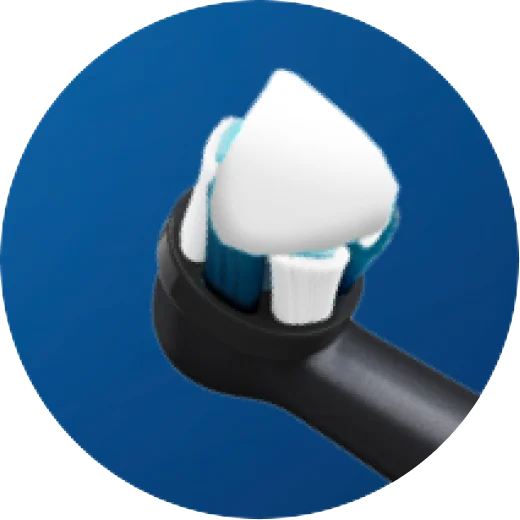
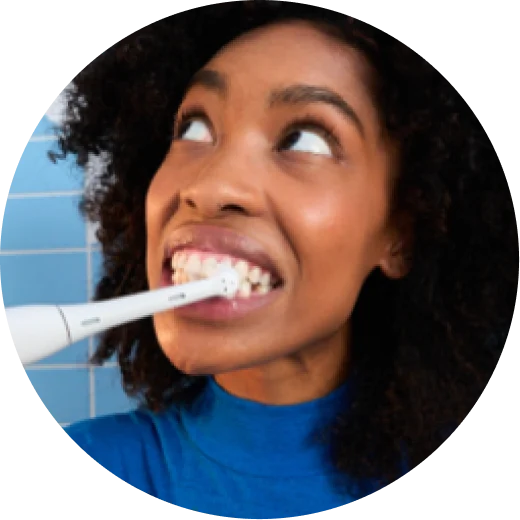
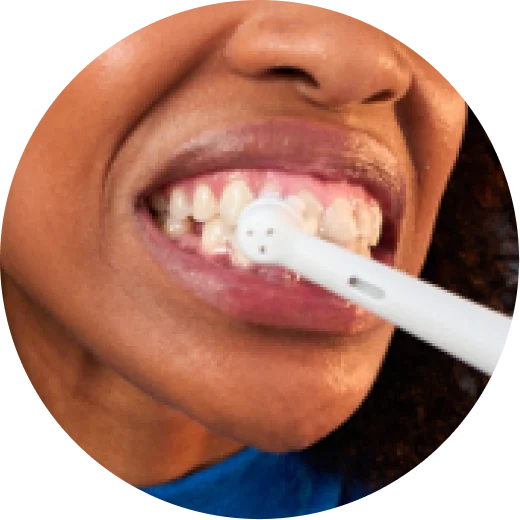
Cover the toothbrush with toothpaste

More Protection with
the Right Pressure
Automatic Pressure Sensor - The light will turn red and the brush will automatically slow down in select cleaning setting when pressure is too strong.
Intelligently live-adapts, adjusting the level of intensity to the pressure you apply, for optimal balance of cleaning and gentleness on gums.
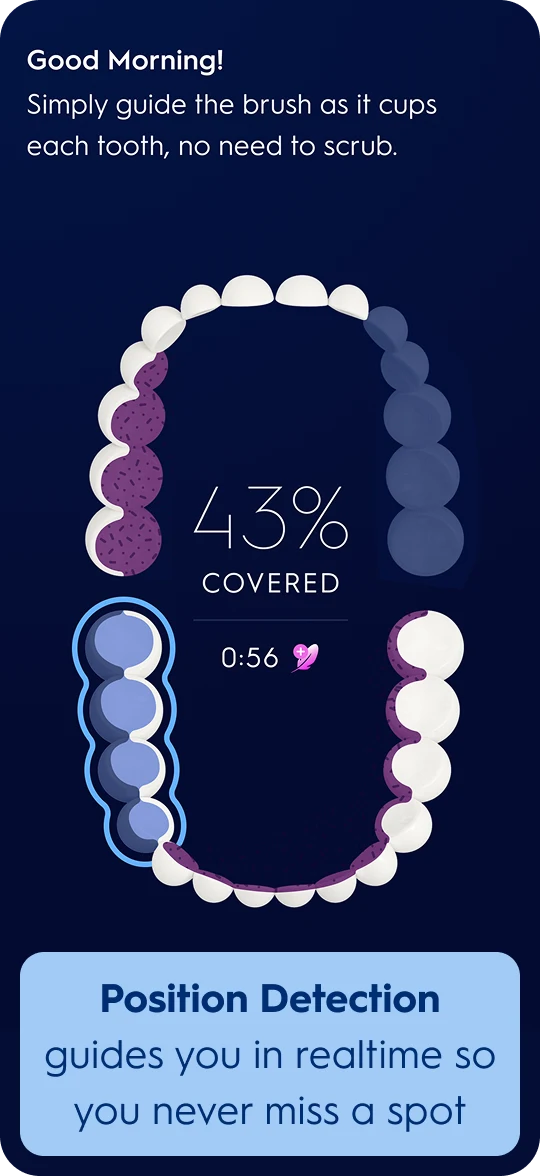
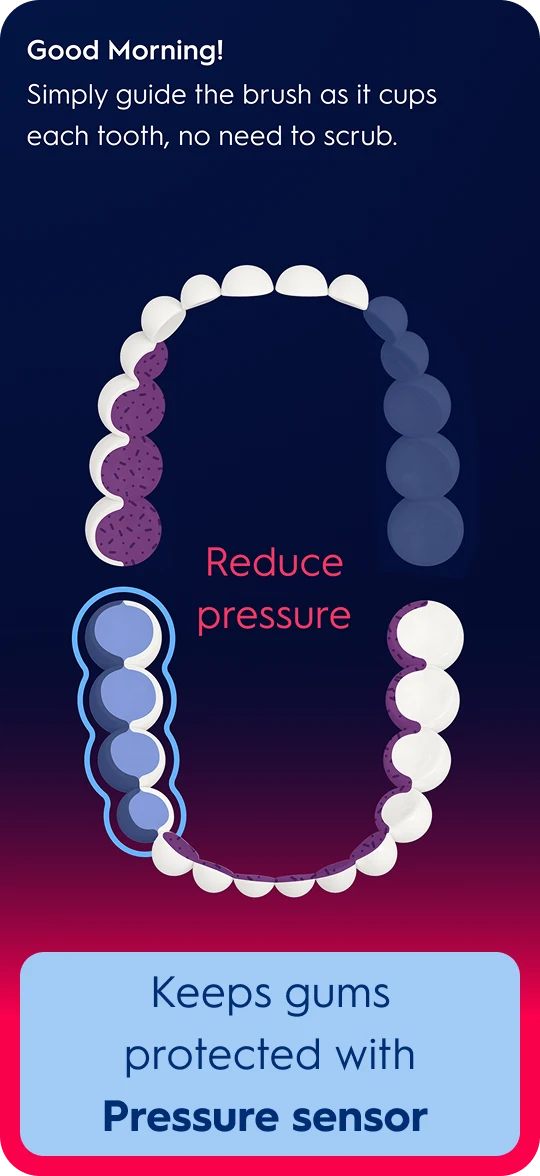
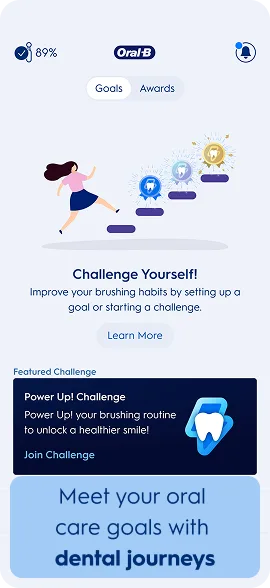
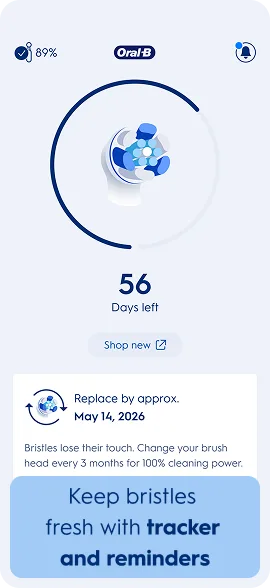
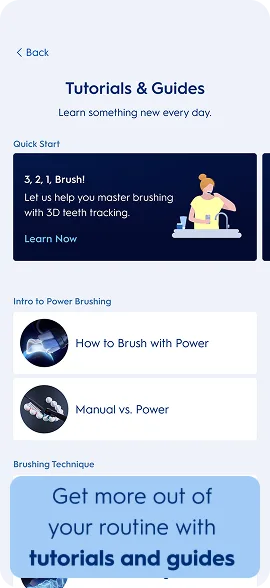
Ensure You Never Miss a Spot with the App
It’s clinically proven to improve oral health*
*Over 82% of people who brushed with Oral-B SmartSeries experienced a noticeable improvement in their oral health
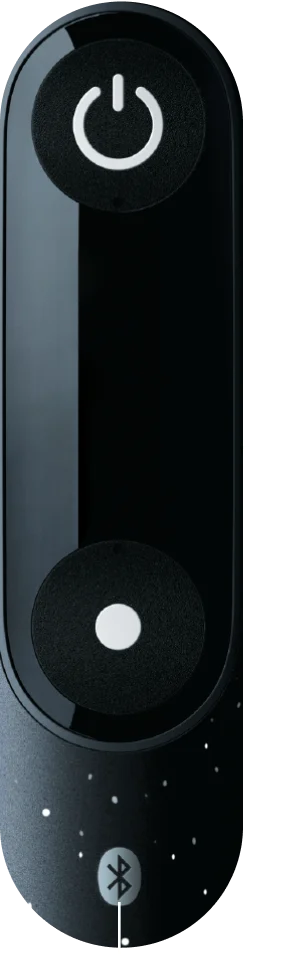
Get A Better Clean with the Features on our Interactive Display
Cycle through modes, track with the 2-minute timer, and always know when it’s time for a fresh brush head.
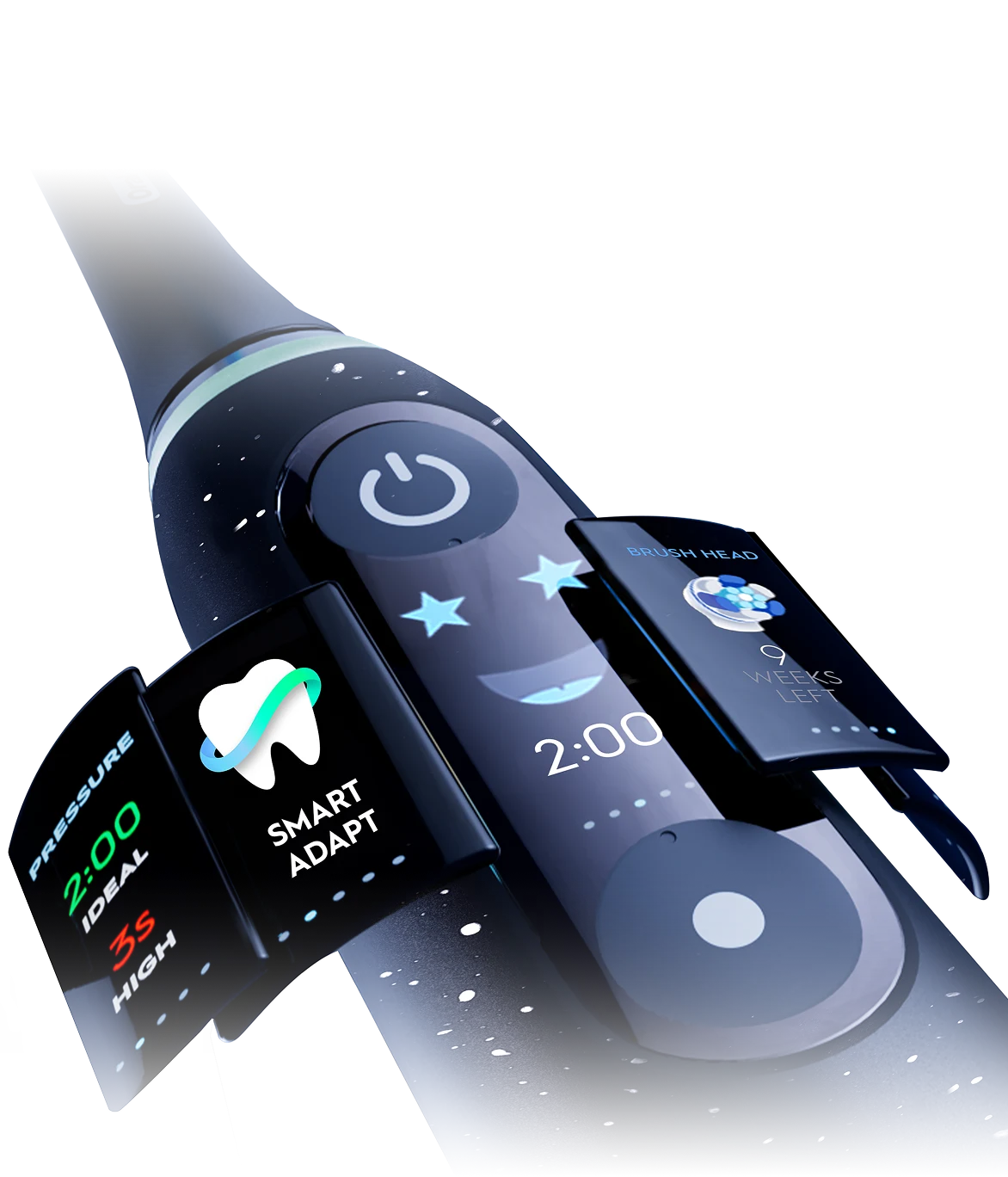






The Oral-B App makes it easy to cycle through all the settings!
The Oral-B App makes it easy to cycle through all the settings!
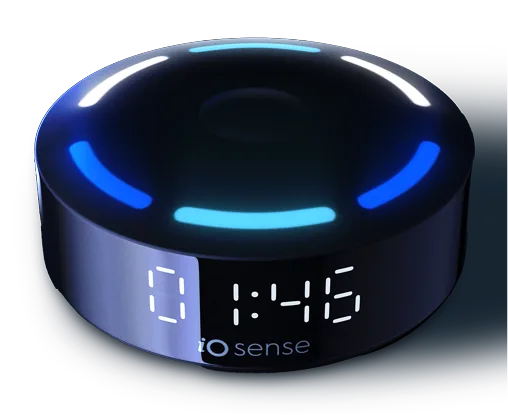
Brushing Feedback in Real-time
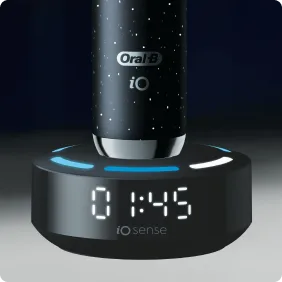
Don’t forget about your iO Sense™ Smart Charger—it displays your coverage, pressure and brush time.
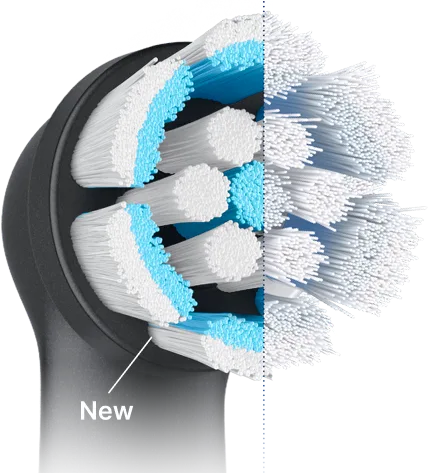
Remember to Replace Your Brush Head Every 3 Months for a Perfect Clean
As bristles wear down, they lose their ability to adapt to your teeth, reducing their cleaning power.
When the colour fades to white, it’s time to change. Get back to 100% cleaning power with a new brush head.

Personalise Further with the Right Brush Head
Select brush head to see more
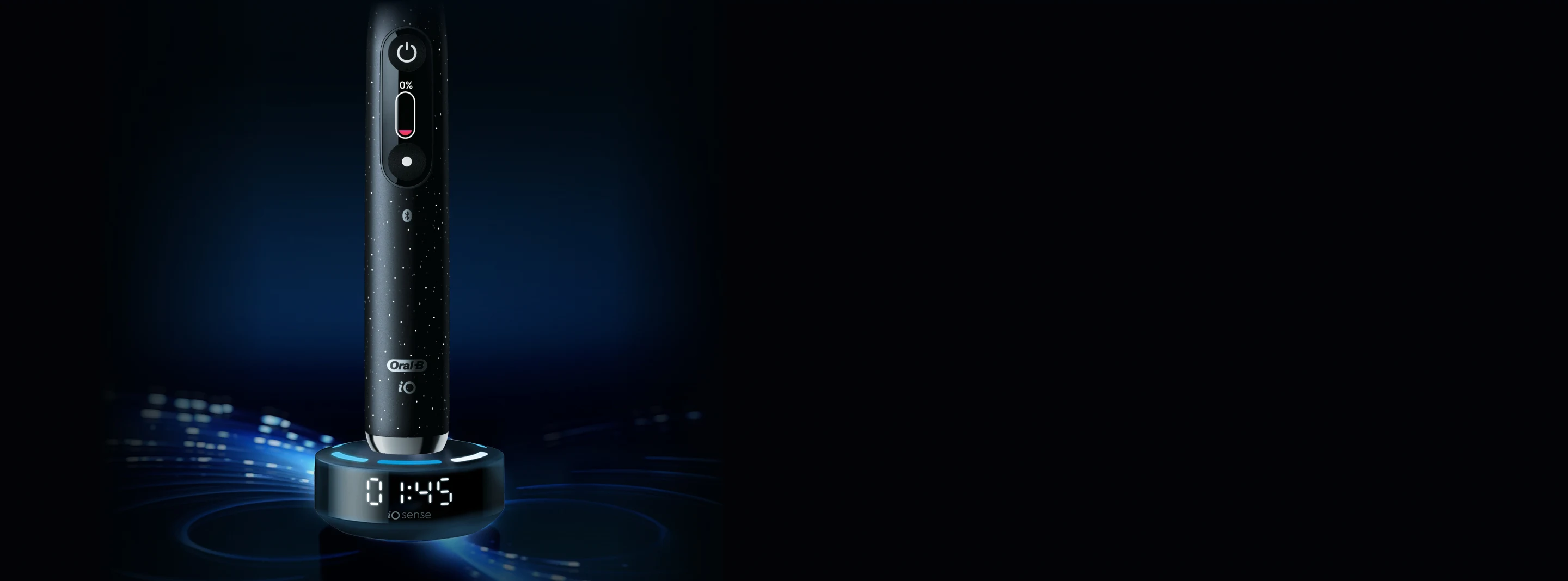
Your Brush Signals
When To Re-Charge Your Brush
Signals When
To Re-Charge
When To Re-Charge
Signals When
To Re-Charge
- Place your brush upright on the charging base
- It only takes ~3 hours to get it back to full power!
- Once fully charged, the indicator light will stay on for 10 seconds, then turn off

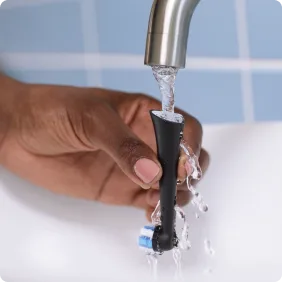
Caring for Your Brush is Easy— here's how!
Fun fact: your brush is waterproof—some people even use it in the shower.
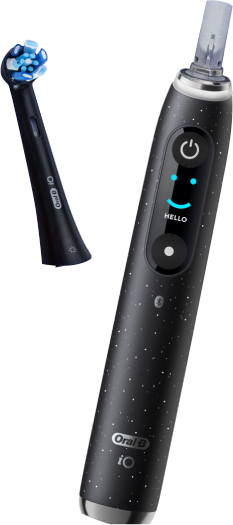
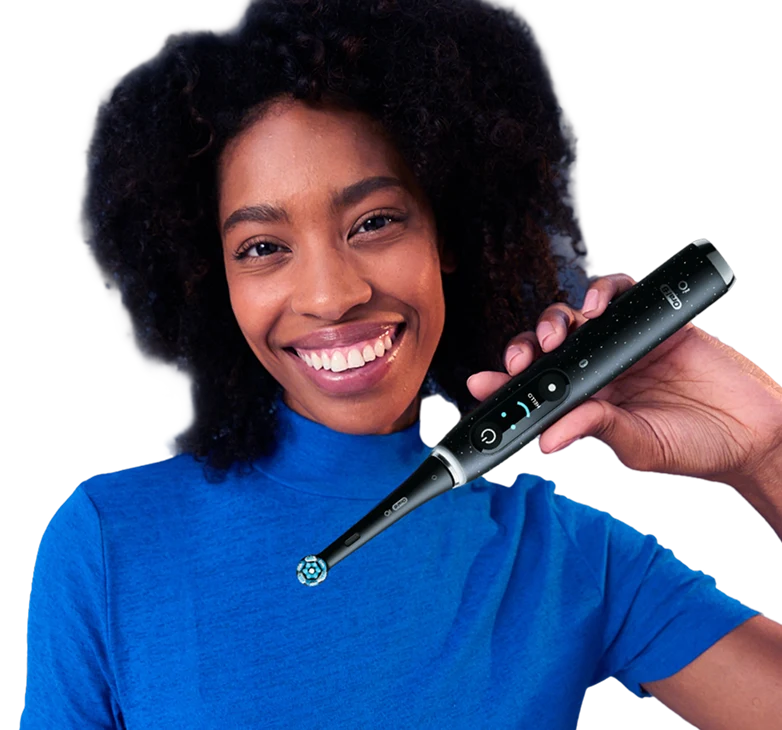
You’re All Set.
 A few things to check off if you haven’t yet: